![Picture1-1.png]](https://faqs.safetynetsolutions.co.uk/hs-fs/hubfs/Picture1-1.png?width=36&height=18&name=Picture1-1.png)
If you see this message when you are logging into the SKYVISITOR 'Booker' Windows App or to the SKYTOUCH Windows App, (for Self Check In)a, it means that the safe traffic route to or from the SKYVISITOR server is being blocked.
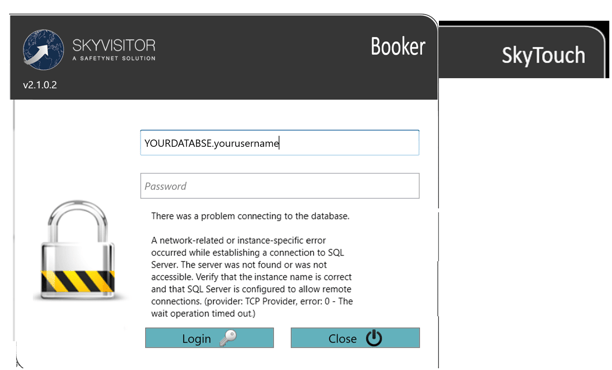
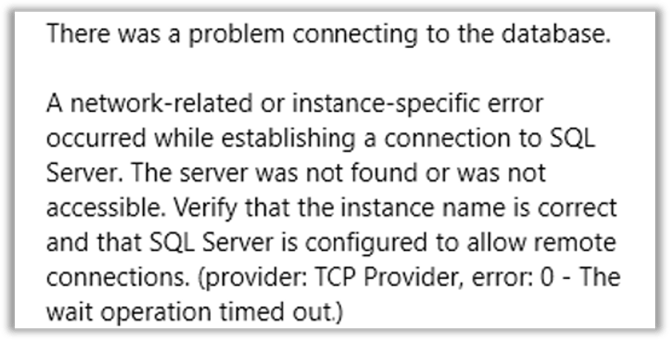
In order to resolve this, you need to:
1. Advise Safetynet Helpdesk of your External IP address(es) so they can be whitelisted.
2. Check with your Internal IT / whoever manages your Firewall, and ask them to Allow Traffic in/out as below. This may involve a 'Change Request'. Safetynet are available to assist in working with your IT provider to do this, but we cannot change your internal systems.
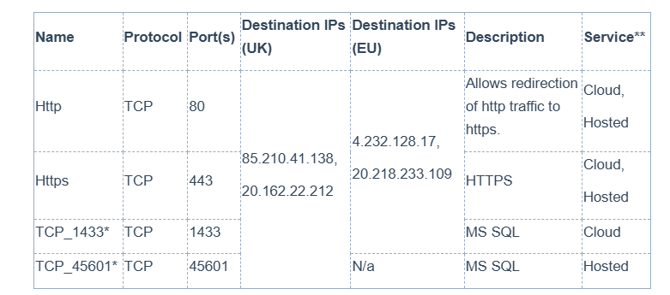
For further information please refer to this related KBA for the .cloud information, and this for User Settings, once you have the App installed,