![Picture1-1.png]](https://faqs.safetynetsolutions.co.uk/hs-fs/hubfs/Picture1-1.png?width=36&height=18&name=Picture1-1.png)
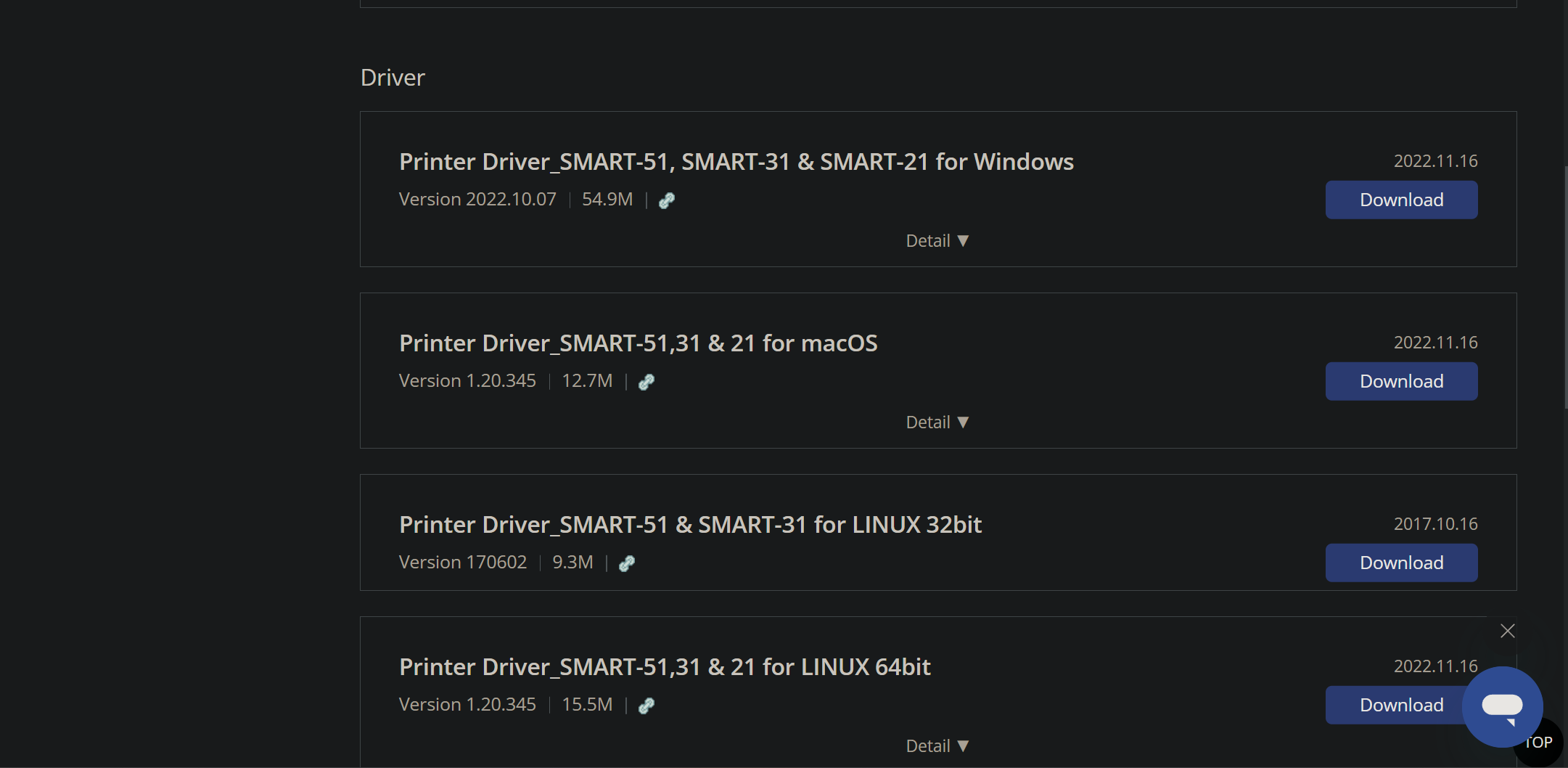
1. Install drivers from the Smart website: https://www.idp-corp.com/us_en/bbs/board.php?bo_table=s4_1&sca=&sop=and&cate=&sfl=wr_subject%7C%7Cwr_15&stx=smart+31&stx2=smart+31
2. Install drivers without printer connected
3. When prompted to connect the printer, turn on/plug in USB cable - then 'Continue'
4. Once installed, insert rewritable cards into printer
5. Send a print through for the printer to process and detect rewritable cards are inserted
6. Now the printer knows rewritable cards are being used. Go to: Printers & Devices -> Right click printer -> Printer Properties -> Advanced
7. From here, alter the erasure settings to ensure the information is cleared much as possible when passed through the printer.
8. Go to SkyVisitor and select the printer in the peripheral settings
9. Test badge design with test print and adjust design if needed.