![Picture1-1.png]](https://faqs.safetynetsolutions.co.uk/hs-fs/hubfs/Picture1-1.png?width=36&height=18&name=Picture1-1.png)
Requirements. Windows11
Prior to installation please ensure that the PC has a USB A port (original / that the camera can connect to.
Alternatively this will also work with a USB-A --> USB-C - Adapter.
Follow these steps to install a driver to the PC where the camera is being used, but is not recognised in skyVISITOR
1. Download this zip file for Logitech Drivers.
2. Extract the file and then run the .exe file.
You may be asked to provide administrator credentials during this.
3. After installation is complete follow the on screen prompts within the set up wizard which are shown below.
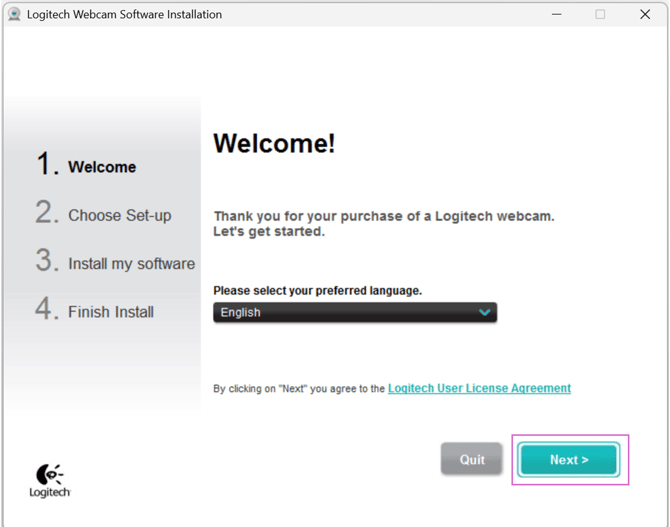
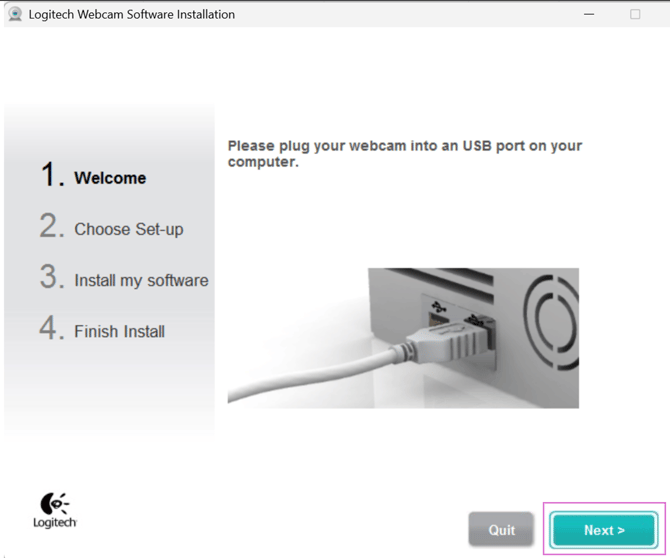
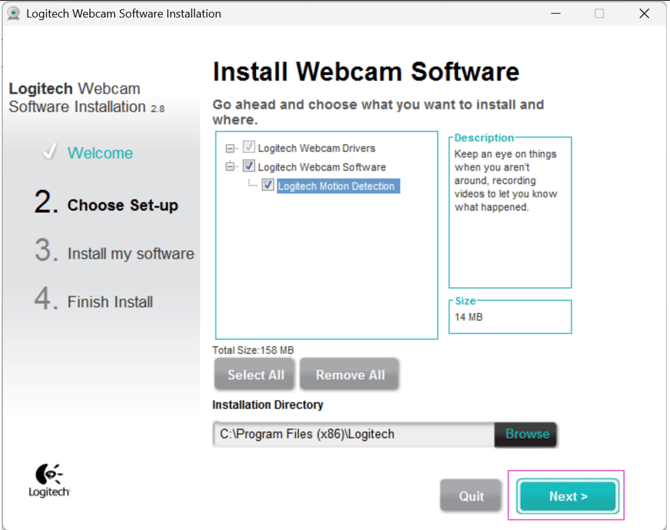
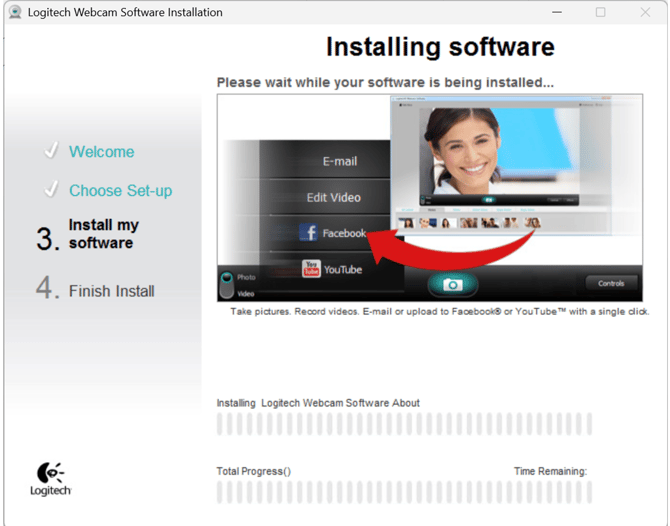
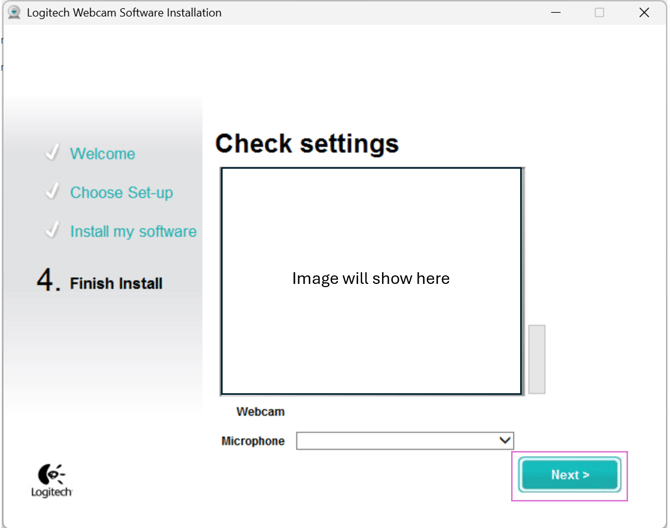
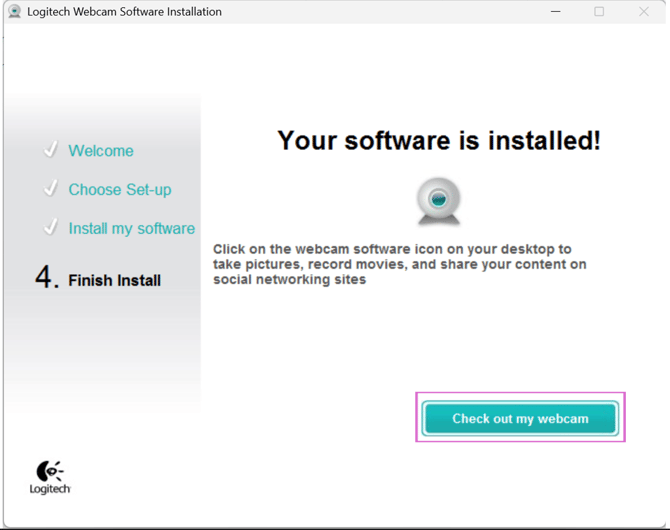
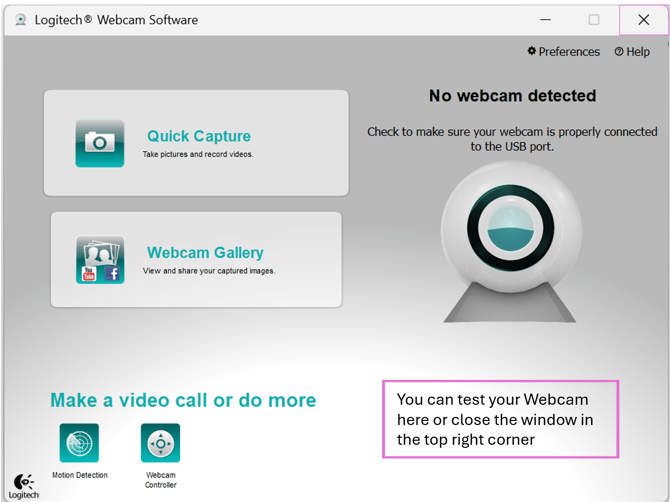
The camera is now installed and ready to configure in the SkyVisitor settings.
Check Up
To confirm this is now usable in SKYVISITOR Web Apps (Booker / SkyTouch).
Ensure that it is correctly set in Settings > Peripherals in the Booker for EACH user.
(Refer to thisArticle if you need help on this.)
Select any visitor and double click the Photo or Photo Icon, and then the Photo or Photo icon on the user.
If the camera opens correctly, i.e. you can see the image to be captured then it is set up correctly.
You don't need to capture the photo - you can just close this. It will capture when needed.
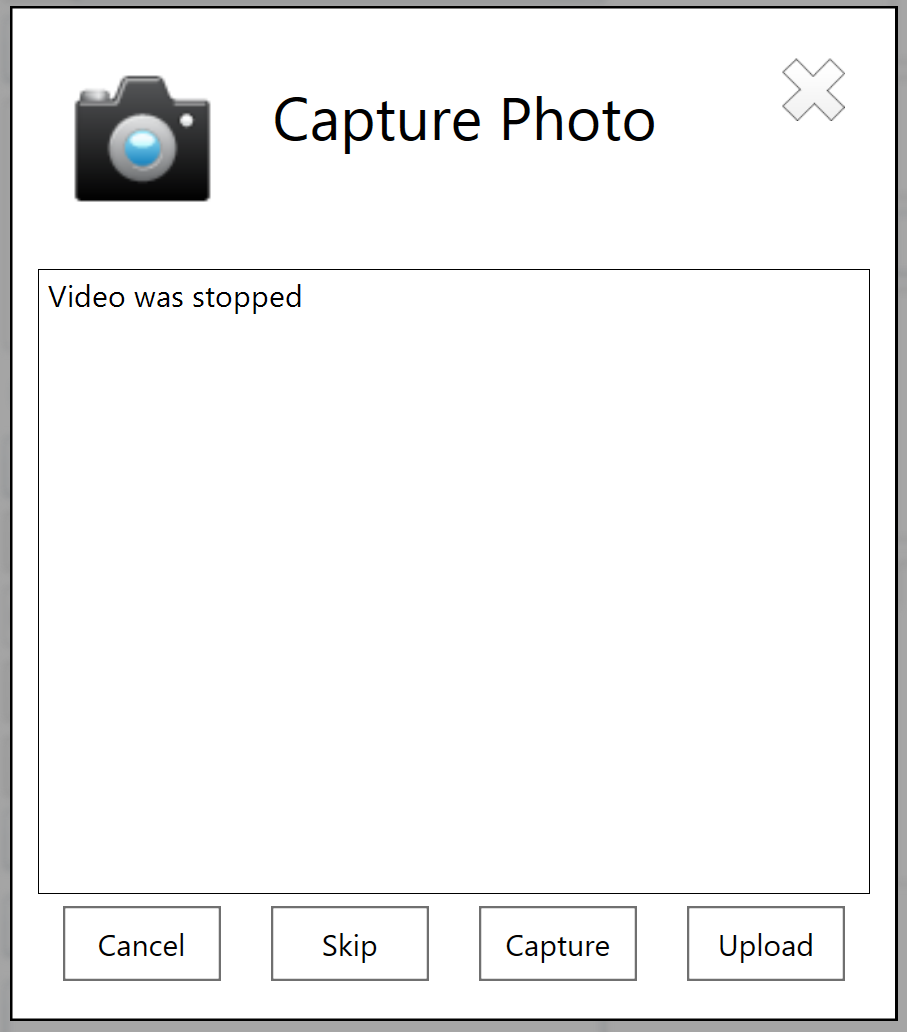
Alternatively, if the camera doesn't show the view of capturing the photo, but shows this message you will need to double check that it is selected in the settings, and restart the Booker App.
If you want to test this is the resolution or you wan to capture a picture with this showing simply right click on the white space and you will be able to choose camera.
This will only work for that session - so please restart the Booker App to save the selection.
:
If you still need assistance please email helpdesk@safetynetsolutons.co.uk