![Picture1-1.png]](https://faqs.safetynetsolutions.co.uk/hs-fs/hubfs/Picture1-1.png?width=36&height=18&name=Picture1-1.png)
When accessing the booker application and loading the visitor details on the main page you may experience crashes due to thew file type/format user have uploaded for their photos via the Start Registration portal.
To Fix you will need to login to the SkyVisitor website (www.skyvisitor.com or eu.skyvisitor.cloud) and go to the visitors tab to view all expected visitors.
If any visitors have the following icon where their photo should be then their photo MUST be deleted from their account to prevent crashes on the booker application as the file format is not supported/corrupted. You can access this by clicking their name.
It will look like the below when on their user profile.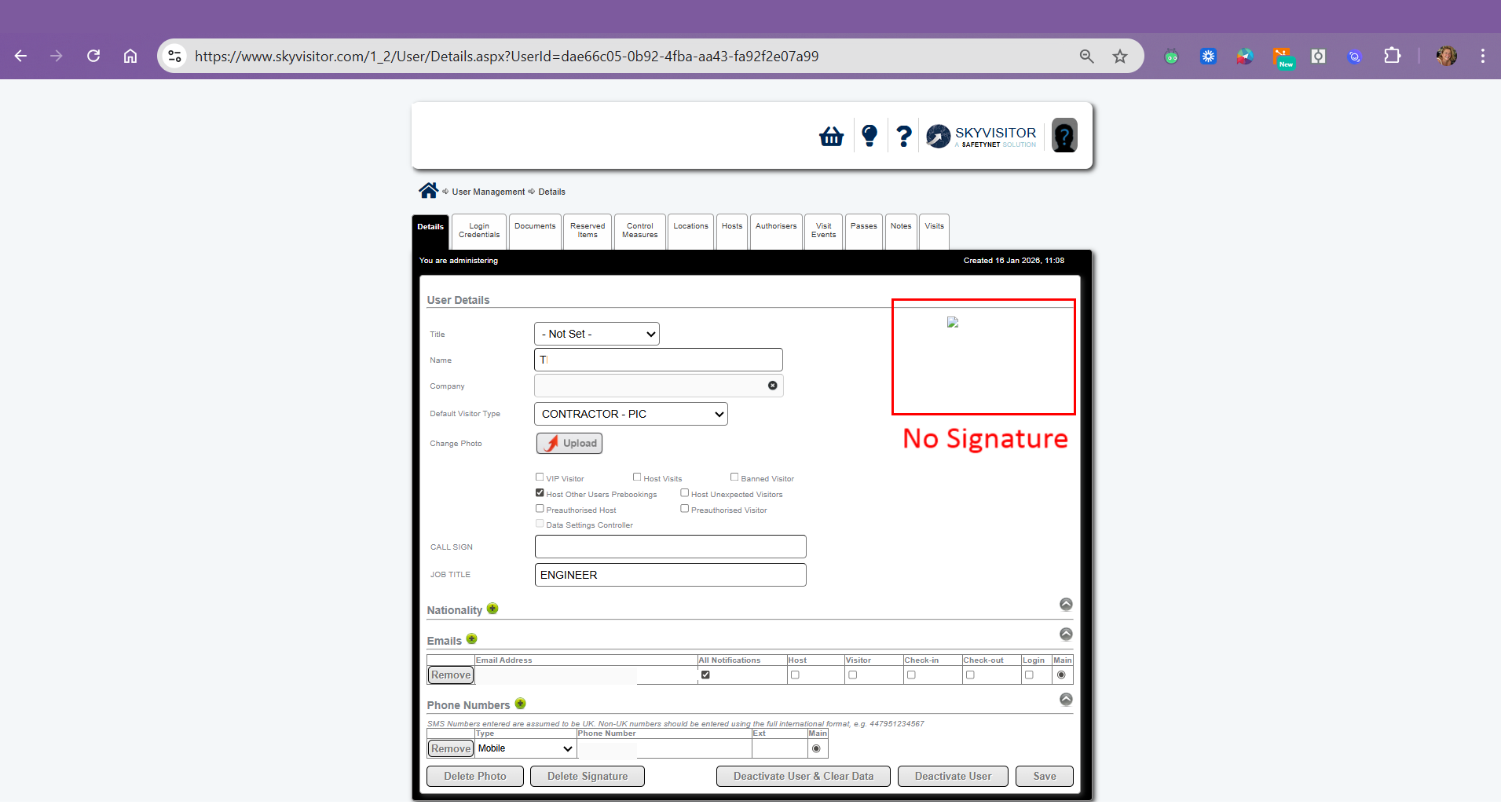
Ensure you click the delete photo in the bottom left corner of the user profile and then press save in the bottom right.